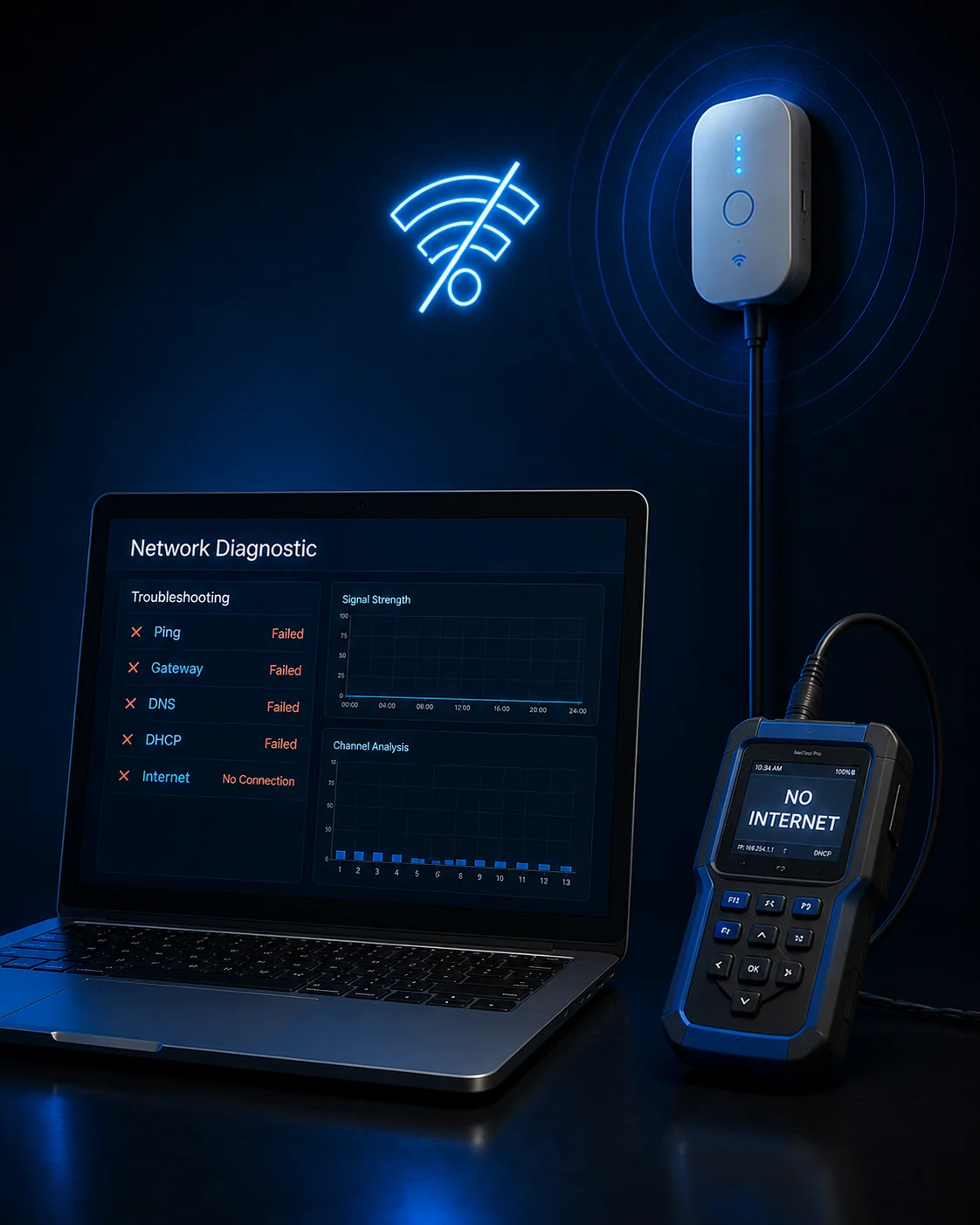
I've been told "it's just WiFi" — is that true?+
Sometimes, but not always. "It's just WiFi" is what people say when they can't find the actual fault. A proper diagnosis looks at the cabling, the switch, the router, the access points, the device, the ISP line and the broader RF environment — and finds where the real problem is.
Will I need new equipment?+
Not necessarily. About 60% of the issues we diagnose are fixed without buying new kit — a configuration change, a firmware update, a cable swap, a channel change. We only recommend new hardware when there's no sensible alternative.
How long does a typical diagnosis take?+
Remote pre‑call: 30–60 minutes. Onsite diagnostic visit: 2–4 hours typically. Complex multi‑factor problems can take a second visit, which we discount.
What if you can't fix it?+
We tell you honestly what's going on, give you the data and our written recommendation. You only pay for the diagnostic time. If the root cause is on the ISP side, we hand you the packet captures to take to them — and they tend to listen when there's a Wireshark trace involved.
My ISP says the line is fine — can you prove it isn't?+
Yes. We capture packet‑level evidence of dropouts, latency spikes and packet loss with timestamps. ISPs can argue with their customers; they can't argue with their own line stats showing the same numbers we captured.
Do you work remotely or only onsite?+
Both. We always try a remote diagnostic first — about half of the time it's enough. When it isn't, we book a proper onsite visit.