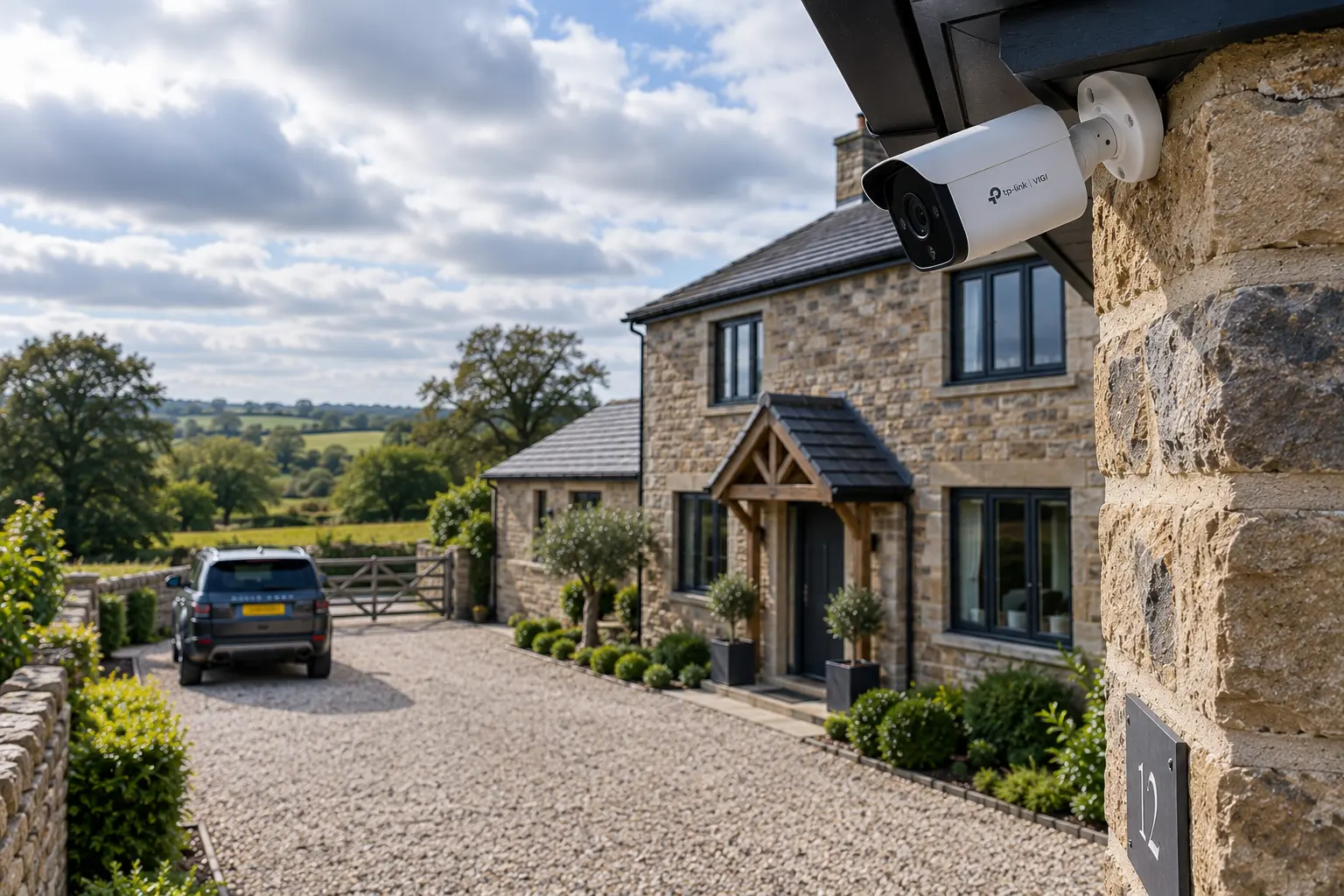
Short answer: fewer than you're probably about to buy — placed properly. Here's the honest version, from someone who fits these for a living.
The question everyone asks — and the expensive wrong answer
"How many cameras do I need?" is the first thing nearly everyone asks us. And the tempting answer — the one that sells the most kit — is "more." Four covers the basics, eight covers it properly, sixteen covers everything, right?
Not really. More cameras, placed badly, is worse value than fewer cameras placed and installed right. We fit CCTV across Yorkshire and the Lakes, homes and businesses, and the jobs we're proudest of usually have fewer cameras than the customer first imagined — because each one is doing a real job, in the right spot, at the right spec.
Let's walk through why, because once you see how this actually works, you'll never look at a "16-camera bundle" the same way.
The cost cliff nobody mentions
Here's the bit that catches people out. CCTV recorders (NVRs) don't scale smoothly — they come in tiers: 4, 8, 16, 32 channels. So the jump from 8 cameras to 9 isn't "one more camera." It can mean a whole new recorder.
And it's not just the channel count. When you add cameras — or buy higher-resolution ones to compensate for bad placement — three other things step up at the same time:
- Recording throughput. A recorder labelled "16 channel" often can't actually sustain 16 cameras all running at full 4K frame rate. There's a data ceiling.
- PoE ports. The recorder frequently has fewer powered ports than its channel count — so you're suddenly buying a network switch too.
- Storage. More cameras, and higher resolution, both multiply the hard-drive space you need to keep the same number of days' footage.
So "just add a couple more cameras" can quietly become: new recorder, extra storage, an added switch. That's the cost cliff. And the way to stay off it is simple — put fewer cameras exactly where they earn their keep, rather than scattering them and hoping.
The bit the professionals actually measure
Here's where we let you in on the industry's own language, because it settles the "how many / how good" question properly.
There's a recognised international standard for CCTV performance — IEC 62676-4 — and within it a set of levels the industry calls DORI. It stands for the four things a camera can be asked to do, each needing a different level of image detail:
- Detection — "there's a person there"
- Observation — "I can see what they're doing"
- Recognition — "I know that's someone I've seen before"
- Identification — "that's definitely him, I'd swear to it in court"
The key point: each of those needs a certain number of pixels on the target — not just a high-resolution camera, but enough of that resolution actually landing on the thing you care about, at the distance it's at. A 4K camera pointed at your whole street puts very few pixels on a face 20 metres away. The same camera covering just your front door puts loads on it. Same camera — wildly different usefulness.
This is why placement beats megapixels. A well-placed camera covering the approach to your property will identify someone. A pricier camera slapped up high covering "everything" will tell you a person was there, and nothing more.
And here's the detail that separates an installer who reads the standards from one who shifts boxes: that standard was revised in 2025, with the new version coming into force in the October. It expanded from four levels to seven — and crucially, the amount of image detail now expected to properly pin down a known individual or read a number plate roughly doubled, because the old figure was proving inadequate in low light and with moving subjects. So a system specced to "identify" a couple of years ago might now only manage the level below. We keep up with this. Most people fitting cameras as a sideline don't.
The line that sums the whole thing up
Even the people who build this kit are honest about it. Axis — one of the biggest names in professional surveillance, and closely involved in the standards work — states plainly in its own technical guidance that hitting the pixel-density number doesn't guarantee the result, because light direction, lens quality, video compression, even the monitor you review the footage on all affect what you actually get. In their words, the number is "a simplified model of a complex reality."
Read that again, because it's the whole point of this article: the spec on the box doesn't deliver the outcome. The installation does. You can buy the best camera made and still get useless footage if it's in the wrong place, at the wrong height, with the wrong lens, fighting the light. Which brings us to what actually goes wrong.
What actually goes wrong (the stuff we get called out to fix)
Most "my CCTV is rubbish" calls we attend aren't about cheap cameras. They're about how the cameras were fitted. Here are the big ones.
1. Night vision blinded by things right in front of it
This is the most common one, and it surprises people. A camera's infra-red night vision lights up whatever's nearest the lens — a white wall, the soffit above it, a gutter, a nearby bush, even a spider's web strung across the housing. That close surface reflects a flood of IR straight back, the camera's exposure meters on that bright return, and it stops itself down — so the near surface glows white and the actual scene goes pitch black.
It's not "too much light," it's the camera being fooled into darkening everything. Rain, snow and fog do a version of this too — every droplet bounces the IR back as bright streaks and orbs. Placement solves it; a camera in the wrong spot never will, no matter how good it is.
2. Cameras mounted right by a light
Sounds sensible — more light, better picture? Actually the opposite. A camera has a day/night switch (an IR-cut filter) that flips based on how much light it sees. Put it too close to a security light or a lamp and one of two things happens: it flip-flops between day and night mode every few seconds, giving you nights of stuttering, half-colour, unusable footage — or it never switches to night mode at all and sits blind in a scene too dark for its colour mode. Either way, the footage you needed isn't there.
3. Mounted too high, with the wrong lens
Height and lens choice go together. A wide lens (around 2.8mm) sees a big area but spreads its detail thin — great for an overview, useless for identifying a face at distance. A narrower lens (4mm and up) sees less width but puts far more detail on target further away.
Get this pairing wrong — a wide lens, mounted high, aimed at the drive — and every clip you pull is the tops of heads and hats, never faces. For actual identification, cameras generally need to be lower than instinct says: low enough to catch faces on the approach, with the lens matched to the distance. Mounted high is fine — but then it's an overview camera, and it shouldn't be sold to you as one that'll identify anyone.
4. The waterproofing that isn't there
The camera body might be weather-rated, but the cable connection — the join where the camera's tail meets your network cable — usually isn't, out of the box. That joint is the single most common failure point on an outdoor install: water gets in, corrodes the connection, and the camera dies months later. Water can even wick along the inside of the cable and surface somewhere you'd never think to look. The fix is a proper waterproof gland (or an IP-rated junction box with the join sealed inside) and a drip loop so water runs away, not in.
And here's the kicker if you fit the kind of kit we do: TP-Link's own warranty terms exclude damage caused by negligence, failing to follow their installation instructions, or improper setup — and that explicitly includes omitting weather-sealing components on an outdoor install. In other words, put a VIGI camera up without the waterproof gland and any water damage that follows isn't covered — it's an installation failure, and it's on you. Or as we put it less politely: no gland, no warranty.
5. Cavity walls and cable routing
Getting the cable from outside to your recorder often means drilling through the wall. On a modern cavity wall, a hole done carelessly can create a moisture bridge — a path for damp to cross the cavity to the inside of your house, which is exactly what cavities exist to prevent.
Good practice is to drill with a slight fall to the outside, sleeve and seal the penetration properly, leave an external drip loop, and avoid breaching the damp-proof course. It's not glamorous and you'll never see it in a photo — but it's the difference between a tidy install and a damp patch appearing on your lounge wall two winters later.
So — how many cameras do you need?
The honest answer: probably fewer than you think, and it depends entirely on what you're trying to see and where the ways in are.
The right way to work it out isn't to pick a number off a bundle — it's to walk the property, find the genuine approach routes (the drive, the front door, the side gate, the vulnerable window), and cover those properly, at the right height, with the right lens, installed so they'll still be working — and covered by warranty — in five years. Do that, and four well-placed cameras will out-perform eight scattered ones every time. You'll also stay off that recorder cost-cliff, and you won't be paying to store hours of footage of a bush.
One thing to know before you point a camera anywhere
A quick, important note — this is technical guidance, not legal advice.
If your cameras only ever see your own property, you're generally fine. But the moment a camera captures beyond your boundary — a neighbour's garden, a shared driveway, the pavement or the street — you take on data-protection responsibilities under UK GDPR, and you become responsible for how that footage is handled. In practice, almost every real install catches something outside the boundary (a front-door camera sees the pavement; a doorbell records the street). It's usually manageable, but it's worth knowing, because some of the advice above — fit a wider lens, reposition to fix a problem — can nudge your coverage over a line.
One that catches people out: audio. The ICO treats sound recording as considerably more intrusive than video, and its guidance is that CCTV shouldn't be recording conversations — choose a system without the facility where you can, and turn it off where you can't. Plenty of cameras and video doorbells ship with the microphone on by default, which quietly puts a homeowner on the wrong side of that guidance without them ever making a decision. It costs nothing to switch off, and we do it as a matter of course.
Businesses are always in scope, with no exemption at all.
We factor all of this in when we position cameras, but the responsibility ultimately sits with whoever operates the system. For the official word, the ICO's home CCTV guidance and the government's domestic CCTV guidance are the places to look.
The bottom line
A wall of cameras isn't security — it's coverage theatre. What actually protects your home or business is a considered system: the right number of cameras, in the right places, at the right height, with the right lenses, installed so they'll survive the weather and still be under warranty years from now.
That's not something you can buy in a box. It's something you work out by walking the site and thinking about what actually matters.
Not sure how many you need, or why your current setup isn't giving you usable footage? That's exactly what we do. Book a consultation and we'll walk your property, tell you honestly what you need — and, just as importantly, what you don't.